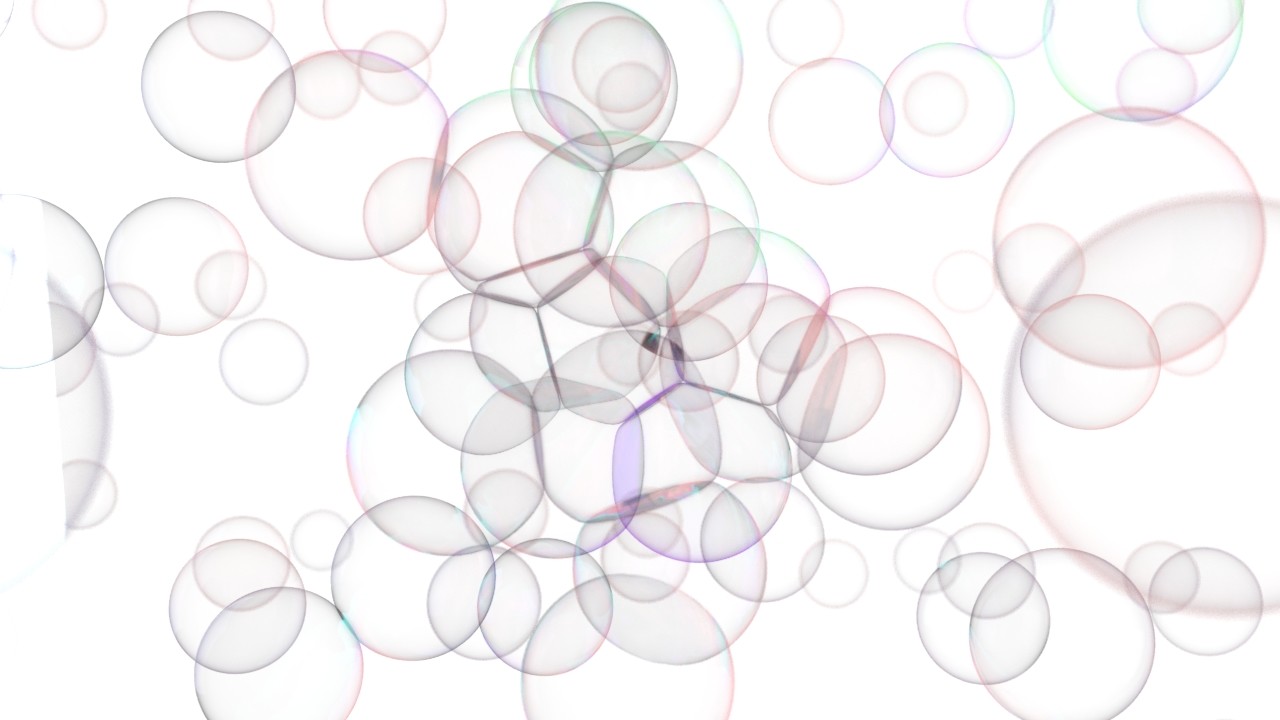
Houdini Procedural Soap Bubble Setup

General / 25 January 2018

I was dealing with a project about soap bubble interaction. So , after some reach and i tried some methods in Houdini and solved this case for our project. But staying as a R&D for now... at least we have know how for soap bubble. 

Here is a simple setup for project.

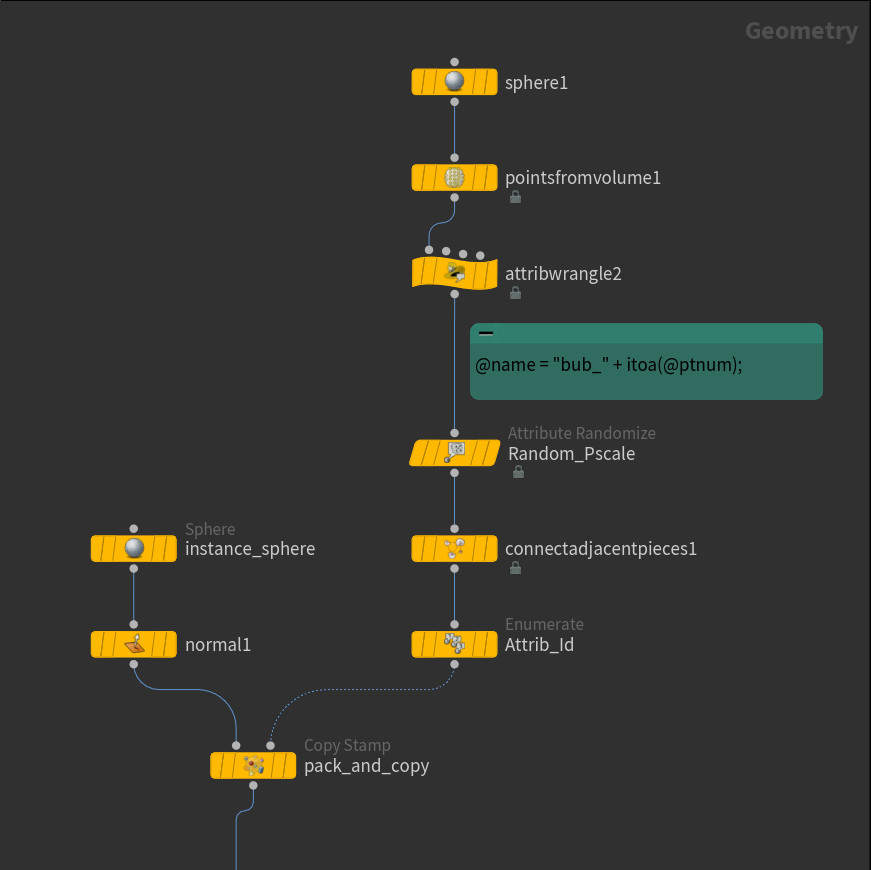
I used sphere and pointsfrom volume for scatter points. Gave a name attribute with wrange and randomized pscale. After that used enumerate sop with giving id attribute to my scattedre points. 

Copied with spheres my scatters and packed them for RBD simulation. When you pack your geometry and give it RBD simulation , they act like a point and easy to conrol your points instead of geometry. 


Here is my RBD sim date. I used RBD Packed Object for getting inside my packed geometry speres , Popattract is for attracting points to the on point (center of the grid) which can change to position. And with rbdsolver spheres touching and pushing each other.


I imported RBD sim data on the left and imported RBD point data on the right and repeated same technique for copy and transfered point data to my geometry spheres. 


After this set up i connected both data output to attribwrangle. 0 input is peak1 sop and 1 input is Pscale_Ramp imoput. This wrangle calculates each sphere's position and area and push each other's poisition. This way they dont intersect. 

           And there is VEX Code below


This is what is looks like after wrangle sop. On the right side as you can see , each geometry intersect each other and duing the rendering that creates lots of problems. And on the left image how it looks like after wrangel sop , they dont intersect each other and geometry's area pushing each other and doesnt intersect which makes better and more natural look of soap bubble


I have created a material with VEX Builde for oily specular map.  This shader calcualte each bubble's area (uv) and giving it rainbow-ish color and using that data for specular color which makes oily look


This is how it looks after applied shader. Taking poisiton from the camera origin and giving rainbow-ish color according to your parameter settings. I wanted  to give more pastel colors.


Which a basic render set-up looks like this. As you can see intersection looks better on this way and more natural like bubble intersection